Every count checked. Every close made clear.
Till Count takes the place of the count sheet, the calculator, and the end-of-night guessing. You get a record you can trust.
Counting, done right
The close your shift deserves
Guided open & close
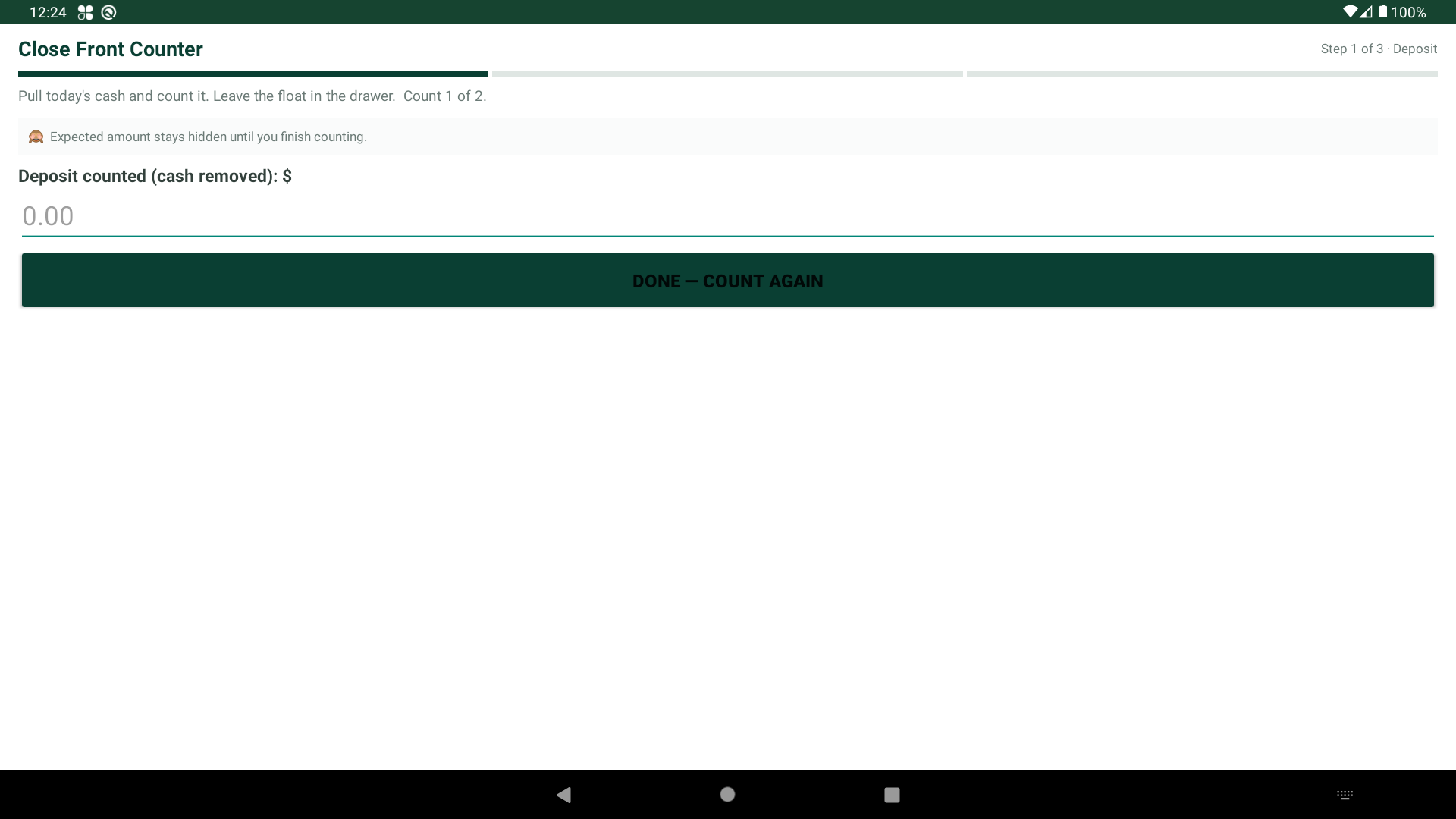
Step-by-step counts at open and close — about 3 minutes each. Big buttons, plain words. No training.
Count twice, blind
Every drawer is counted twice. The expected number stays hidden until both counts are in.
Best 2 of 3
Counts don't match? A third count settles it. Typos don't turn into short drawers.
Accurate + Balanced results
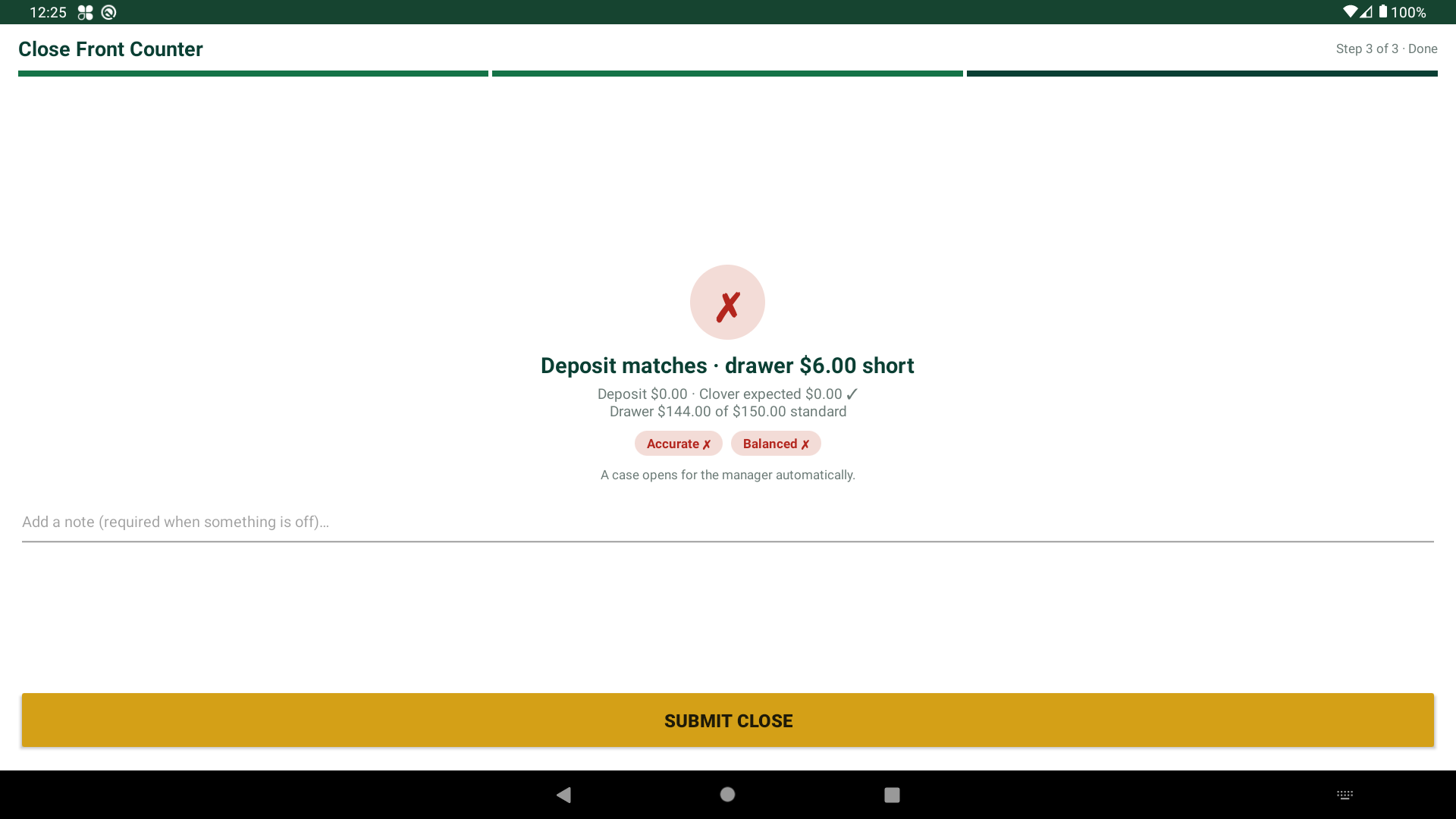
Every close ends with a plain answer: Accurate and Balanced. Or exactly what's off, and by how much.
Deposit vs. drawer
The day's deposit is checked against the day's cash sales minus cash refunds. Tips don't count. It's kept apart from your drawer float, like $150.
Back to your float
As staff count the drawer, the app shows how close they are: "add $6" or "remove $6." Tomorrow starts with the right cash.
For owners & managers
Answers without standing over the register.
- Short close? A note is required before the close can finish.
- Off by more than your limit, like $5? A case opens on its own.
- Investigations walk the record and clear staff fast. Most short counts are honest mistakes.
- Roles hide manager tools from employees.
- History with a full record: who counted, when, and what was fixed.
- Closing reminders pop up on the register when it's time to close (Essential and Pro).
- Left without closing? The owner and the managers on that closing shift get an alert (Pro).
- Phone alerts on Pro.
Built-in protection
The till only answers to its own device.
Small guards that stop big arguments.
- Till lock — only the paired device can count its till. No counting from a phone in a pocket.
- Withdrawals logged with initials and a note. Employees can't see them.
- Fixes allowed, but never silent. Each one is on the record.
- Custom roles and device tools as you grow.

Works your way
On Clover, or on its own.
On Clover
Install from the Clover App Market. Employees and roles come from Clover. The deposit checks against the day's cash sales. Manager tools hide by role.
Open Clover App Market →Standalone — no POS
Run Till Count on any phone, tablet, or computer. Same guided counts, same Accurate + Balanced results, same record.
Start standalone →